
See important release times in advance; follow major announcements in audio.
The planned calendar covers economic releases, rate decisions, speeches and other events with times, importance and previous, forecast and actual values where available. Suitable important events may have pre-release and post-release audio alerts. Dated examples illustrate the format.
For traders
Check whether a release is approaching before opening a position, so event risk can inform your own decisions about size and timing. After a release, compare the actual value with expectations. A calendar helps you avoid overlooking known release times while concentrating on charts.
For investors
Track inflation, growth and employment within a structured agenda, helping you distinguish a day’s volatility from developments that may affect the longer-term outlook.
What does the calendar show?
Previous, forecast and actual values appear where available. Some releases have no forecast data.
Illustrative US oil rig-count release
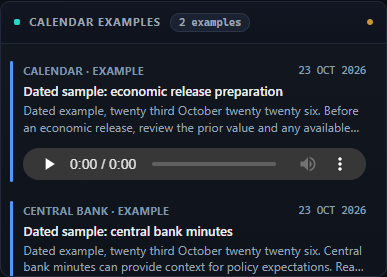
Dated example cards (23 October 2026), shown in the demo format.
Audio before and after releases
Suitable significant events may receive English audio alerts before and after the release. Hear locally generated dated samples here.
Calendar across 10 countries / regions
- Türkiye
- United States
- United Kingdom
- Germany
- France
- Italy
- Canada
- Japan
- China
- Euro area
The planned calendar covers 10 countries / regions.
Example
Hypothetical example
Suppose you are considering a gold trade ahead of a US employment release. The calendar flags the approaching event; preparatory analysis reminds you to read wages and prior-month revisions alongside the headline. You reassess your own decision. The system does not open positions, set stop-losses or eliminate risk for you.
Known limitations
Some events have no forecast data; missing values are not invented. Hearing alerts requires enabled audio preferences, a working browser and sound setup, and receipt of the data.